> For the complete documentation index, see [llms.txt](https://guides.clickatell.com/integrations/llms.txt). Markdown versions of documentation pages are available by appending `.md` to page URLs; this page is available as [Markdown](https://guides.clickatell.com/integrations/getting-started/integrations-overview.md).
# Integrations Overview
You can integrate your Chat Flow and Chat Desk applications with various 3rd-party applications such as Salesforce, Zendesk, etc.
With integrations, you can:
* Perform various frequently used operations (like creating a ticket in Zendesk or adding a Sales Lead in Salesforce) automatically via Chat Flow.
* Keep your customer data in sync across all these mentioned 3rd-party applications.
* Fetch data from other applications in your tech stack and use the data in Chat Flow.
* Push your chat support data (from Chat Flow) to other applications in your tech stack.
* View information about your customers as fetched from the 3rd party applications integrated with Clickatell (Chat Desk).
## What 3rd-party apps can I integrate with Clickatell?
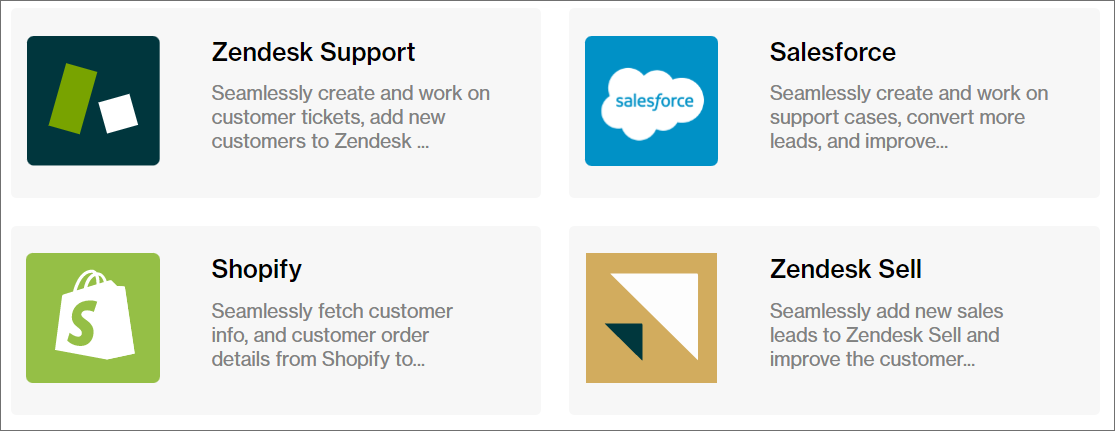
Currently, we support the following 3rd-party apps:
* [Salesforce](/integrations/salesforce/overview-salesforce.md)
* [Shopify](/integrations/shopify/overview-shopify.md)
* [Zendesk Sell](/integrations/zendesk-sell/overview-zendesk-sell.md)
* [Zendesk Support](/integrations/zendesk-support/overview-zendesk-support.md)
{% hint style="success" %}
Please refer to the relevant section of this guide for more information and integration steps for each.
{% endhint %}