> For the complete documentation index, see [llms.txt](https://guides.clickatell.com/flow/llms.txt). Markdown versions of documentation pages are available by appending `.md` to page URLs; this page is available as [Markdown](https://guides.clickatell.com/flow/workflow-management/create-new-flow/repeating-a-step.md).
# Repeat a step in a workflow
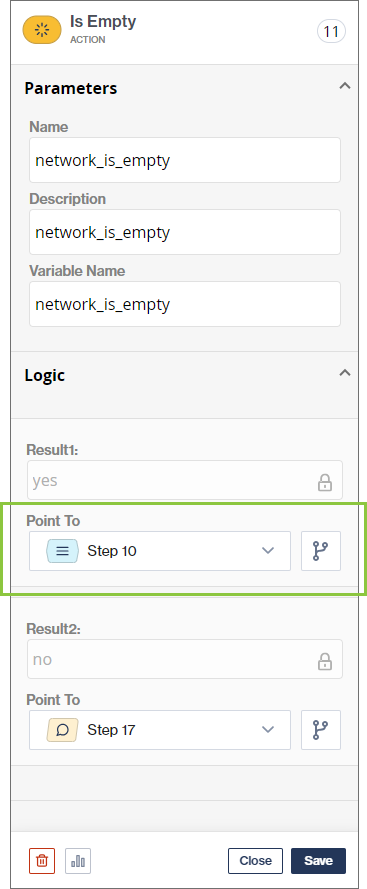
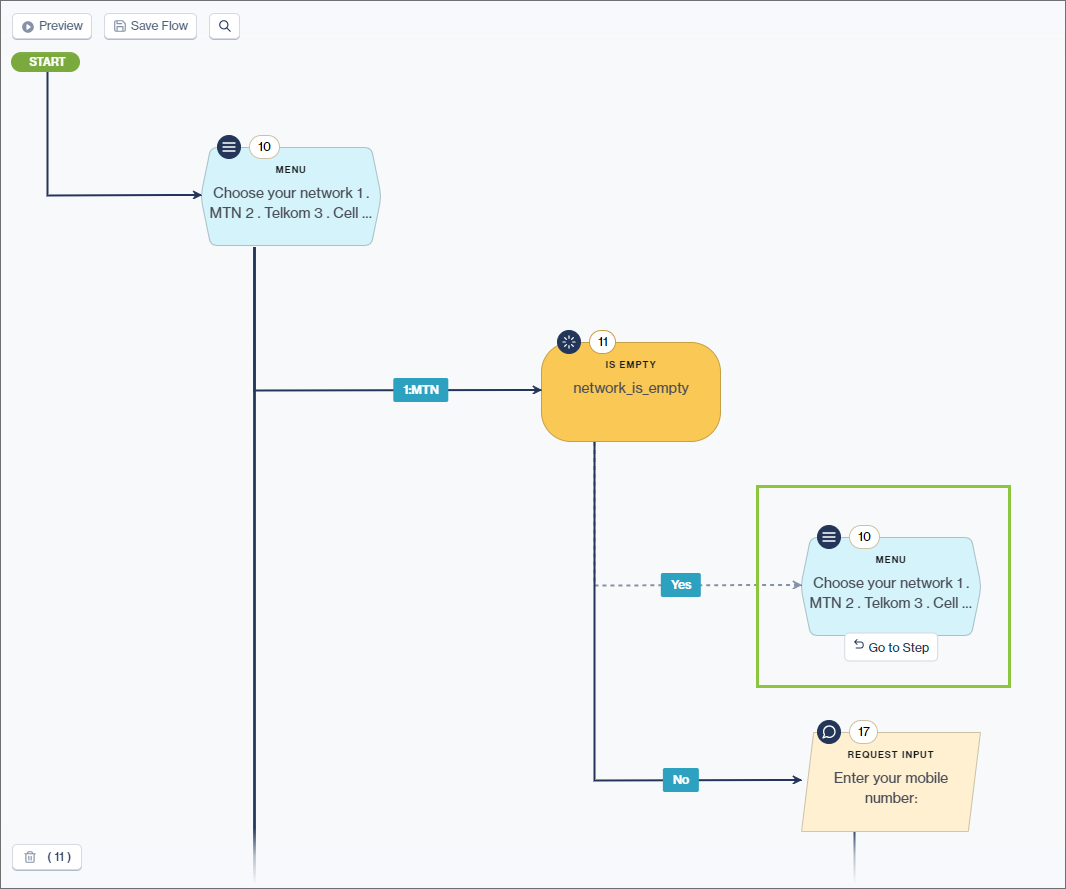
To repeat a step, simply direct the customer back to the node you want to repeat from the logic section as shown below.
{% hint style="info" %}
For example, assume a user is required to enter a value. Follow the [*Request Input*](/flow/user-facing-nodes/input-nodes/menu-nodes-ask-for-input.md) node with an [*Is Empty* ](/flow/action-nodes/action-nodes-is-empty.md)action node to determine whether the value is empty. If the value is empty, the input node can be repeated and the user requested to enter the value again.
{% endhint %}
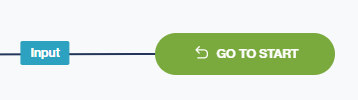
Direct an end-user back to the start of the flow by specifying this in the logic section of the node. This symbol indicates that the user is directed back to the *Start* node: