> For the complete documentation index, see [llms.txt](https://guides.clickatell.com/clickatell-ai-user-guide/llms.txt). Markdown versions of documentation pages are available by appending `.md` to page URLs; this page is available as [Markdown](https://guides.clickatell.com/clickatell-ai-user-guide/training/context-router.md).
# Context Router
This feature uses AI to understand the nature of existing workflows or assistants, and can route the user to the appropriate next step, based on the information available to it.
If a user is interacting with a flow, and changes their mind about what they want to do mid flow, the Context Router is able to route them appropriately.
Configure this feature as follows:
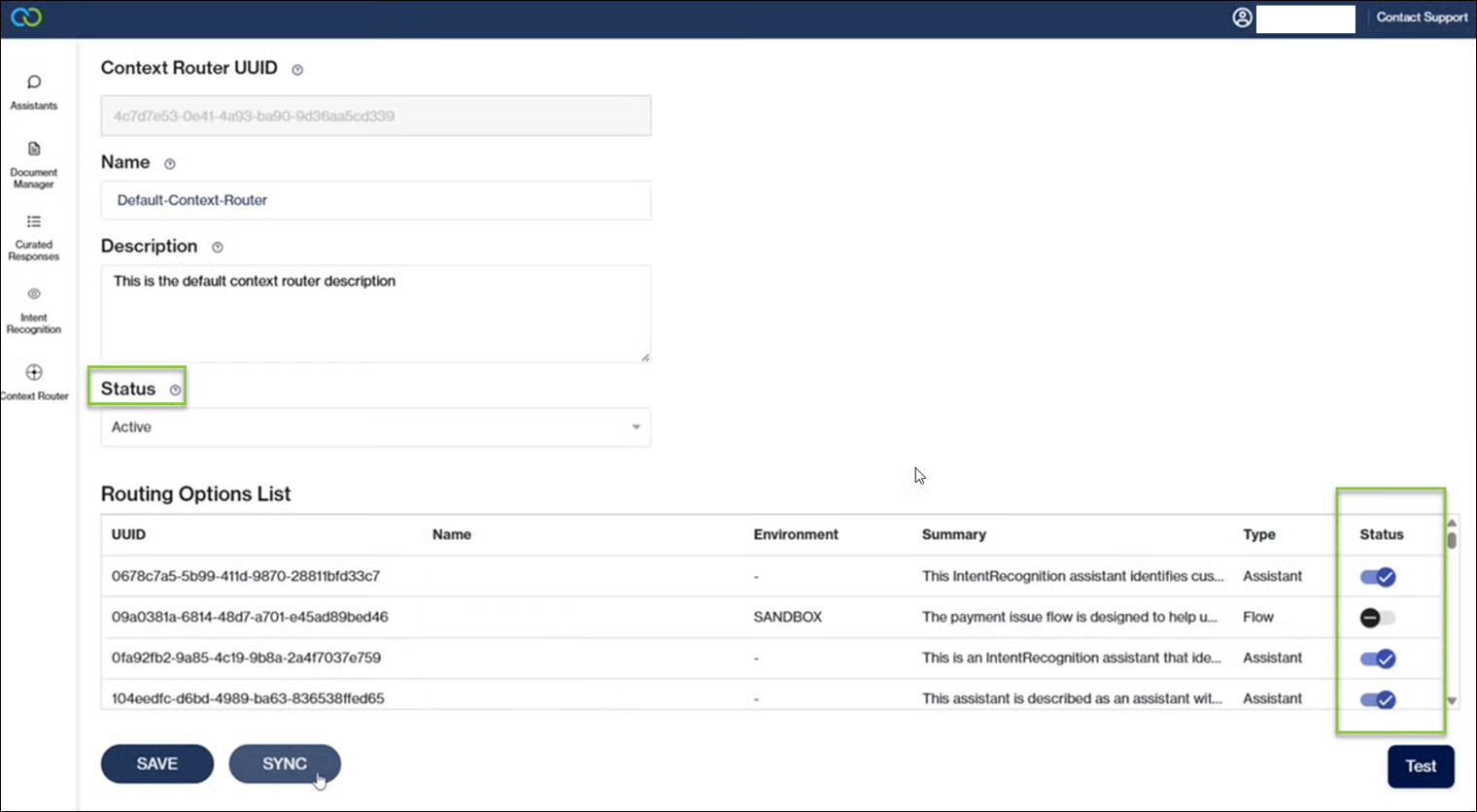
1. Launch Clickatell AI, and click on Context Router.
Note that the flows and agents listed, are only the ones for which a [flow summary](https://guides.clickatell.com/flow/workflow-management/create-new-flow/clickatell-ai-flow-summary) was generated in Chat Flow. This summary provides the Context Router with the information that it needs.
2. You can choose to activate or deactivate a flow. If you no longer want users to be routed to a particular flow, you can deactivate the flow (click Sync after), and the router will no longer be active for that flow.
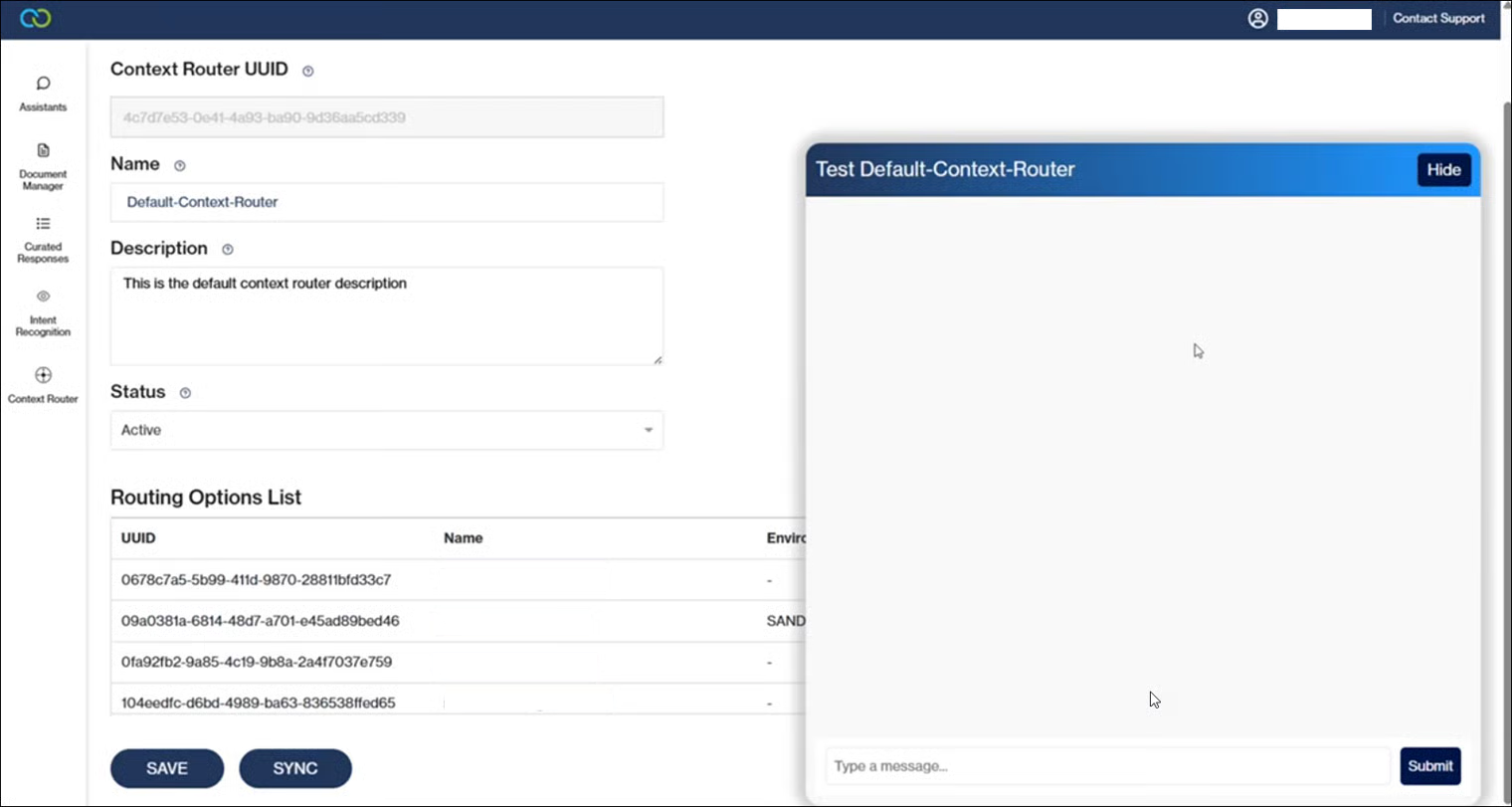
3. You can test the Context Router. Simply click on **Test** to simulate user questions and confirm that the user will go to the intended flow.