> For the complete documentation index, see [llms.txt](https://guides.clickatell.com/broadcast-messenger/llms.txt). Markdown versions of documentation pages are available by appending `.md` to page URLs; this page is available as [Markdown](https://guides.clickatell.com/broadcast-messenger/manage-campaigns/quick-start.md).
# Quick Start
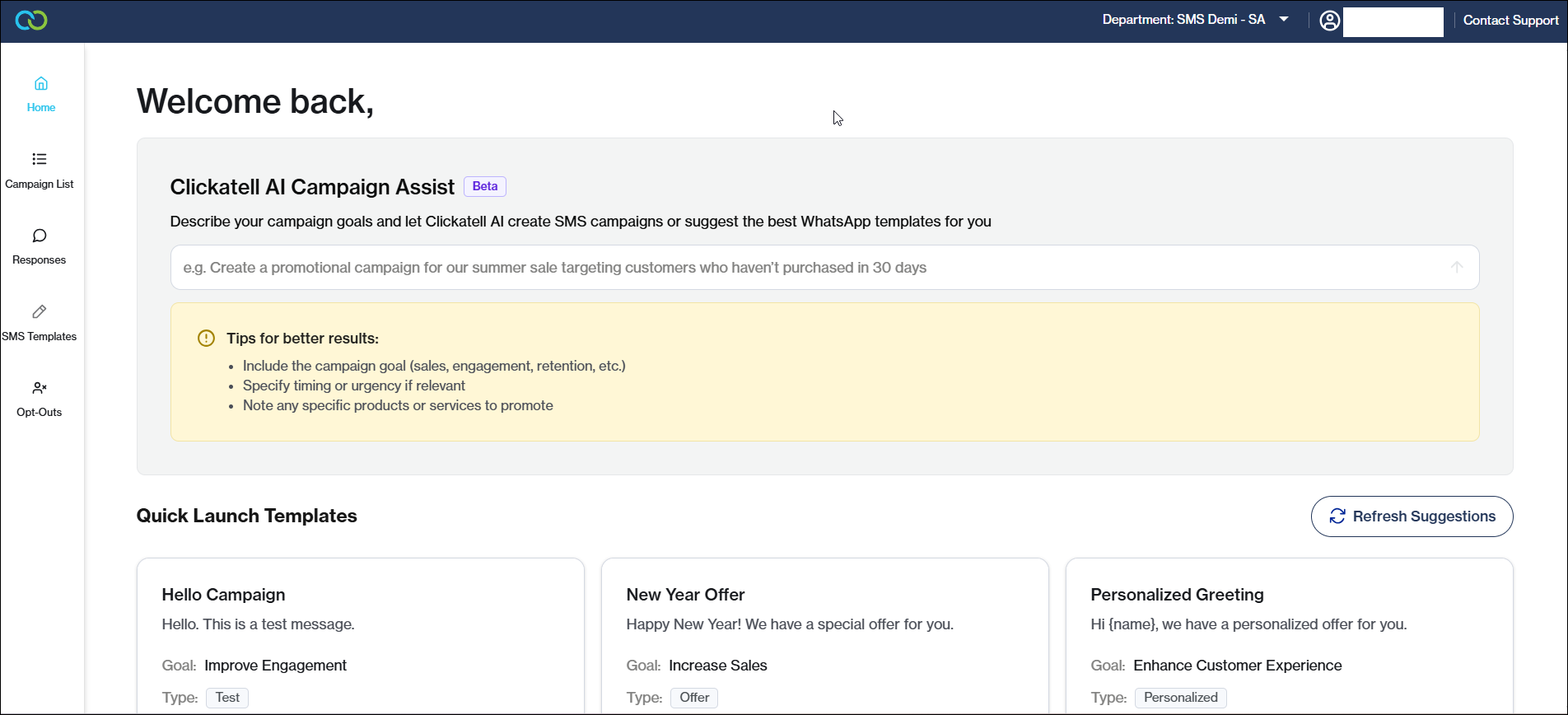
On the Broadcast Messenger Home page, you can use Clickatell AI Campaign Assist to quickly create an SMS campaign or to suggest potential WhatsApp templates for you.
{% hint style="info" %}
* AI suggested WhatsApp templates must still meet WhatsApp policy and go through the normal template approval process.
{% endhint %}
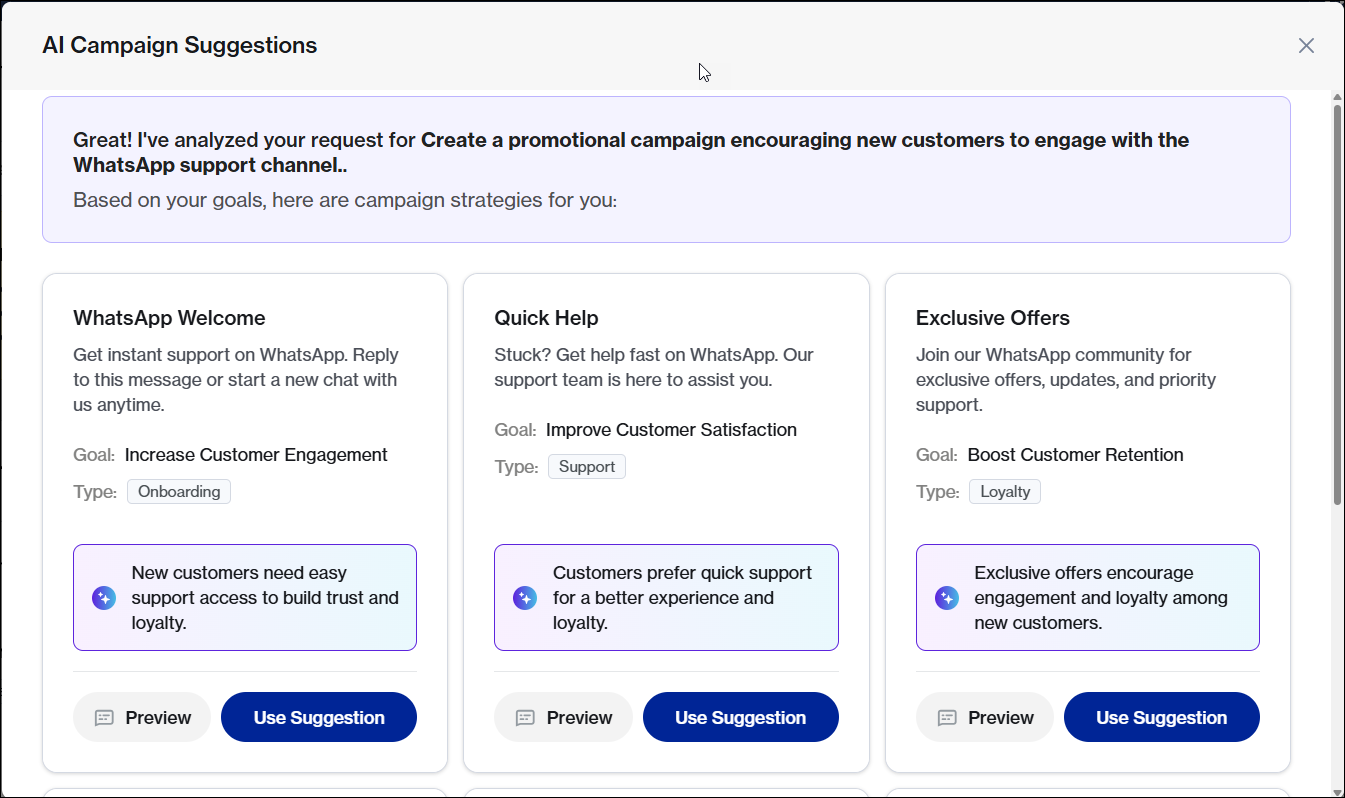
Simply describe your campaign goals following the tips provided, and the AI assistant will generate suggestions for you.
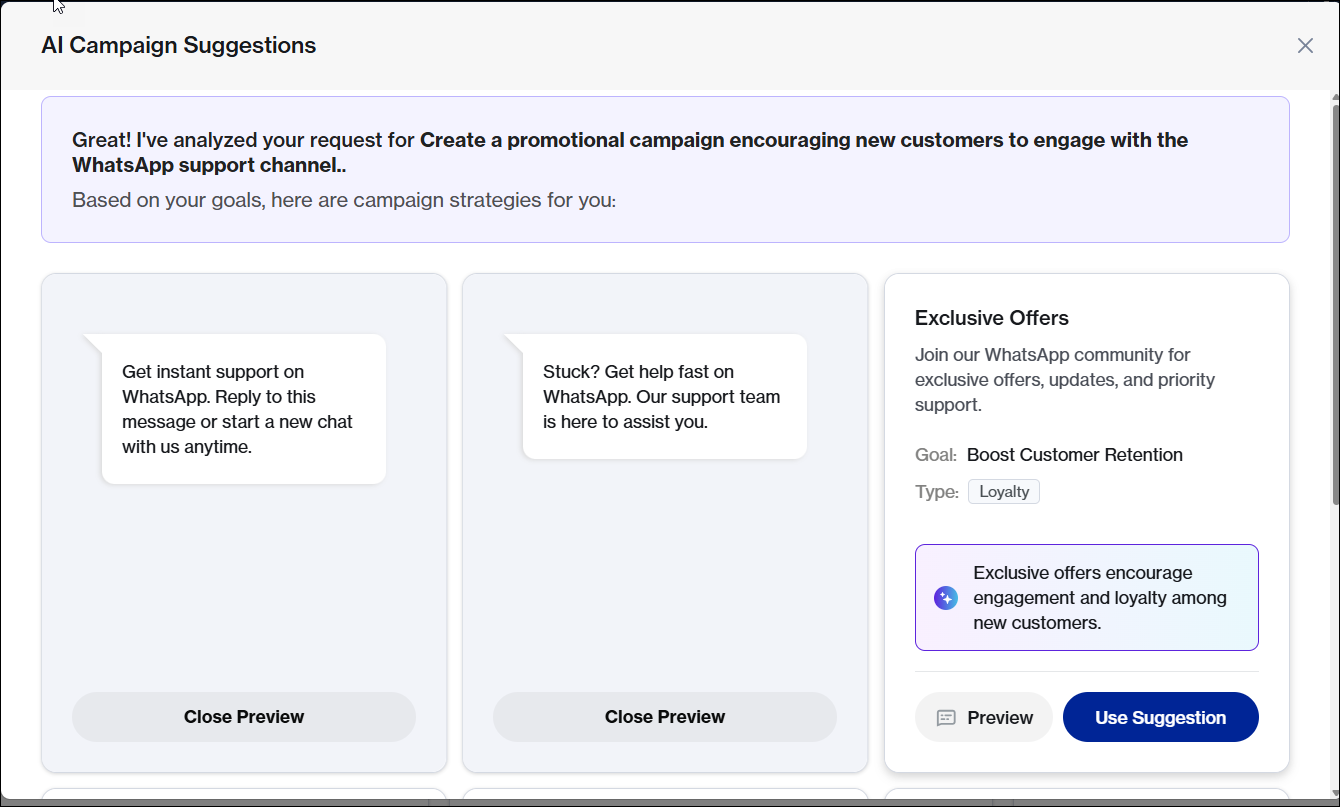
Preview a suggestion/suggestions to help you decide if it matches your requirements:
If you choose to use a suggestion, you will be redirected to [Add a new campaign](https://guides.clickatell.com/clickatell-chat-commerce-platform/broadcast-messenger/manage-campaigns/add-a-new-campaign). The chosen text will pre-populate in the Campaign Creation form, where it can be further edited.
The suggestions are based off the following analytics:
* Past campaign performance (e.g. open rates and delivery rates).
* Intent-level chat sentiment from Chat Desk & Chat Flow ( e.g. what is causing customer happiness, complaints, feedback etc).
* Client prompts.
* Industry context (e.g. trends within the relevant industry, typical campaigns for the period).
{% hint style="info" %}
* The quality of campaign suggestions will improve as data increases, and the system can learn more from campaigns. For new clients with no campaigns, suggestions will be more reliant on industry data and input prompts.
{% endhint %}
You can modify your prompt if you would like other campaign suggestions, or you can create a campaign manually, if you'd prefer.